
Solutions
Platform
Discover & Design
Build & Run
Benchmark & Optimize
- Benchmarking & Insights
- ExperimentsSoon
Operate & Scale
- DeploymentsSoon
- Application IntegrationsSoon
Govern & Control
Resources
Launchpad
Start building quantum workflows in minutes
A cloud Jupyter workspace for quantum and hybrid development, with CPU and NVIDIA GPU resources ready to go. No installs, no setup.
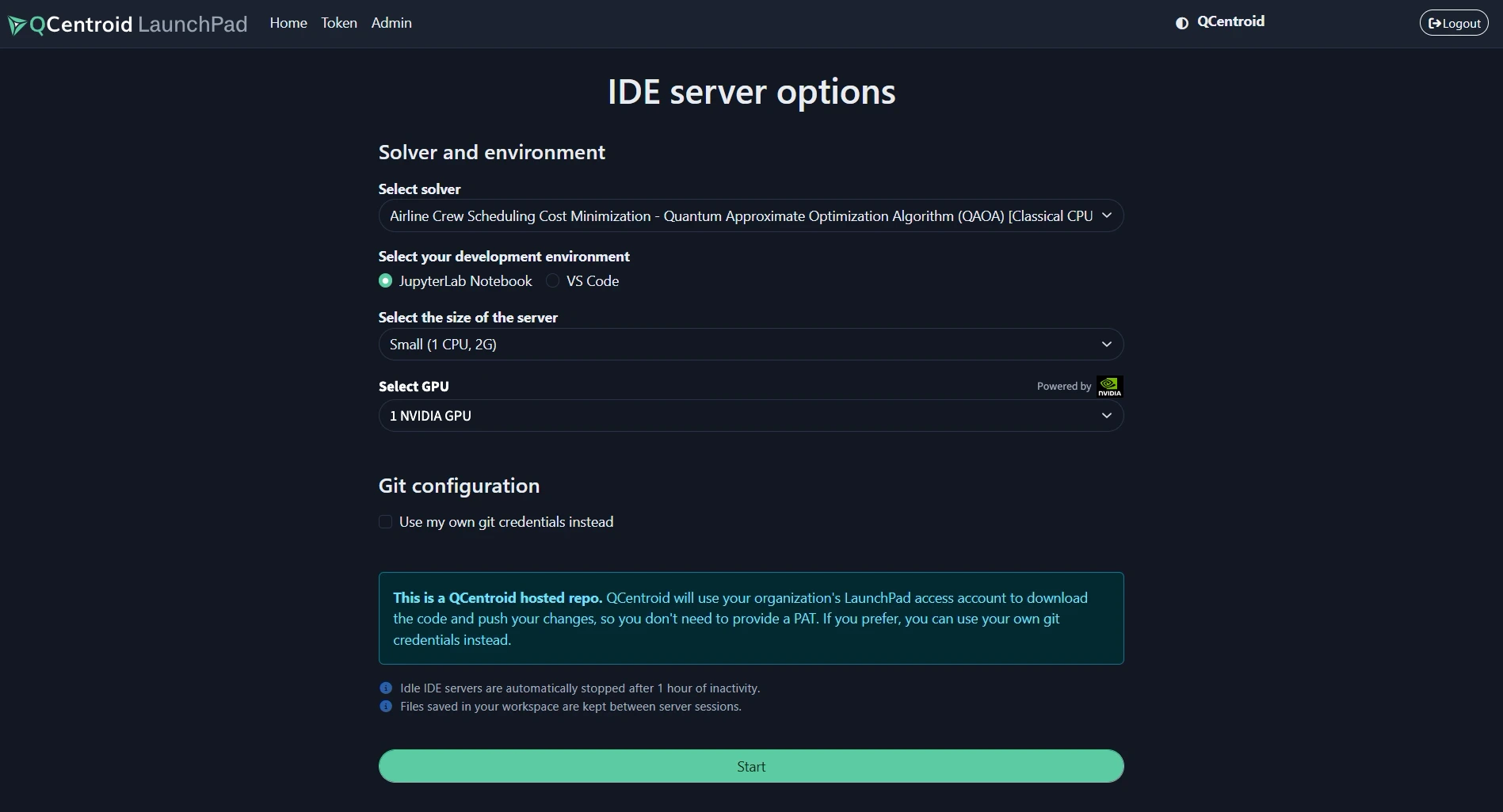
Launchpad is the cloud development environment of the QCentroid QuantumOps platform.
It gives developers and researchers a hosted Jupyter workspace with instant CPU and NVIDIA GPU resources and CUDA-Q ready to use, so hybrid quantum-classical code can be simulated on GPUs and then run on QPUs. Nothing to install, and prototypes move straight into the platform.









What is Launchpad?
Zero setup
No local installs or driver configuration.
Right-sized compute
Pick the CPU or GPU the job needs.
Lab to platform
Move tested code into solvers and jobs.
Features
What can you do with Launchpad?
Five tools for the development side of every solver: a notebook workspace, a cloud IDE, the right compute, hybrid code and a path to production.
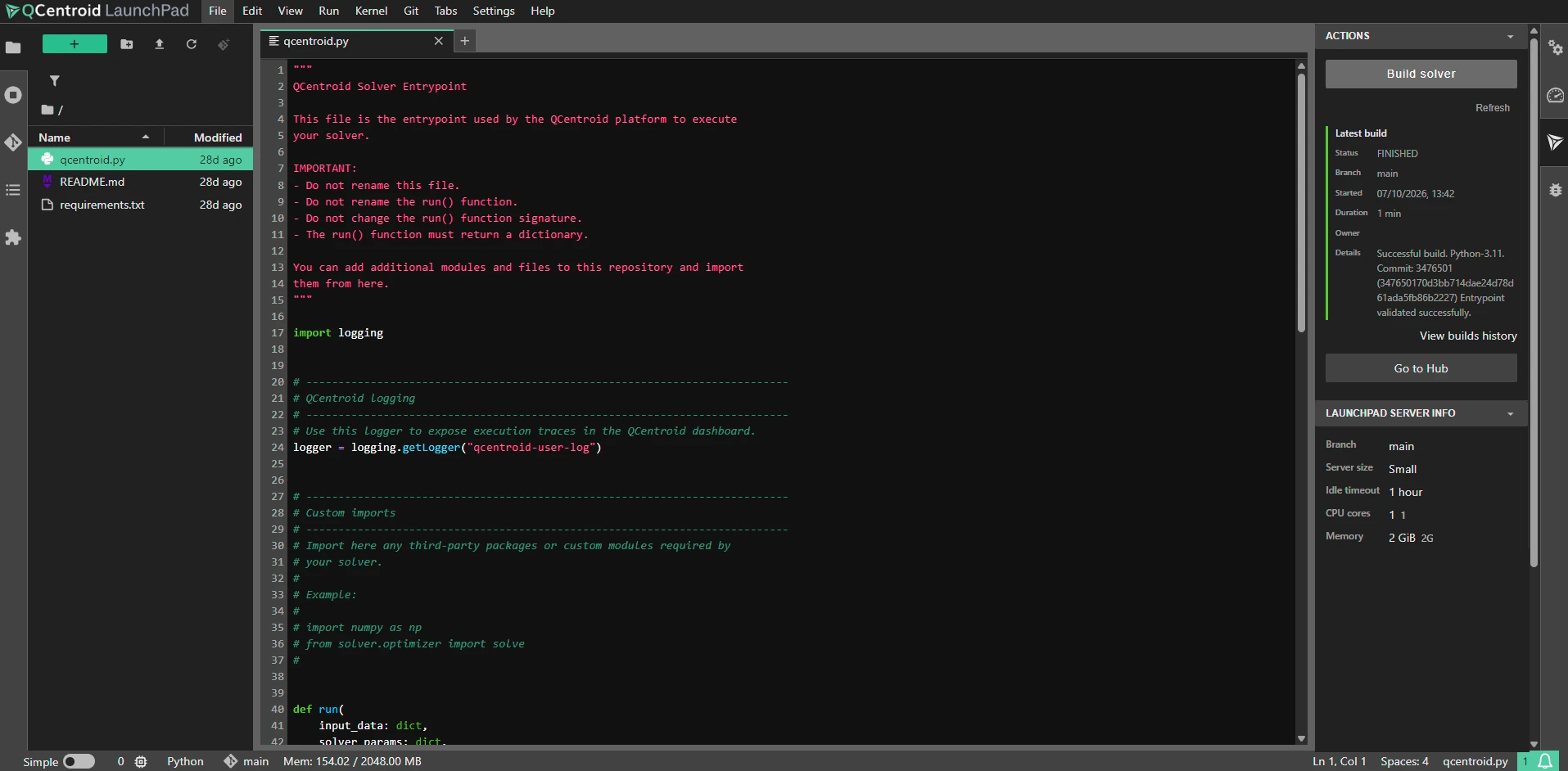
Cloud Jupyter Workspace
A ready-to-use notebook environment in your browser, hosted by QCentroid.
- Jupyter notebooks, nothing to install
- Managed environment, no dependency conflicts
- Available to your whole team
Why it mattersDevelopers spend their time on algorithms, not on setting up machines.
Code Studio
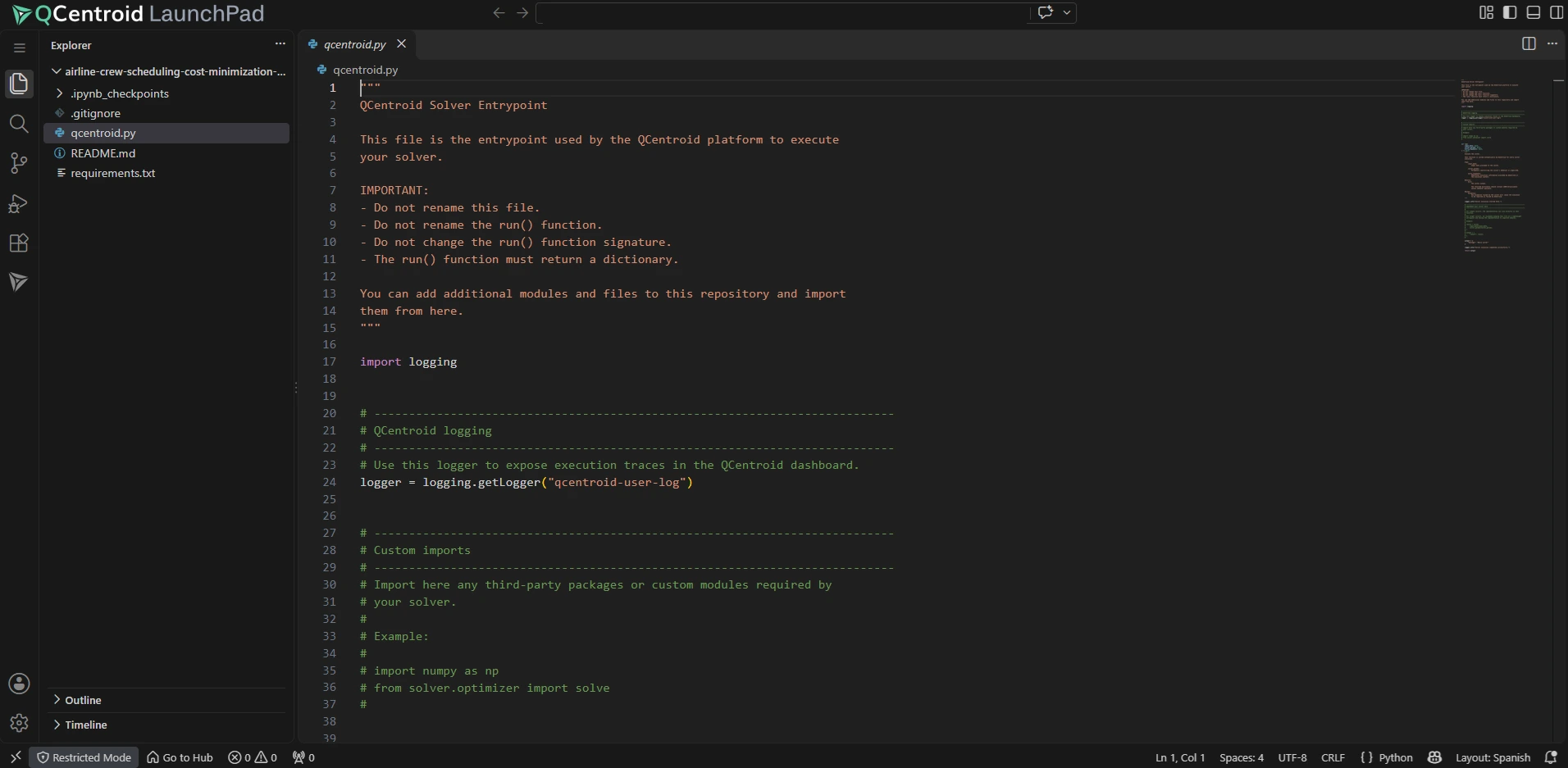
A full VS Code in your browser, hosted by QCentroid, with your solver repository already connected.
- VS Code experience, nothing to install
- Your solver repository ready to edit
- Build and run from the same window
Why it mattersDevelopers who live in an IDE get the same managed environment as notebook users.
On-Demand CPU & NVIDIA GPU
Get CPU, RAM and NVIDIA GPU resources instantly, and test how performance scales across GPU configurations.
- Immediate access to GPU-backed instances
- Try different GPU configurations
- Size resources on measured performance
Why it mattersStop over-provisioning. Use the compute your problem actually needs.
Hybrid Development with CUDA-Q
Build hybrid quantum-classical workflows with NVIDIA CUDA-Q, simulate on GPUs, then run the same code on QPUs.
- CUDA-Q ready on GPU instances
- GPU simulation for larger qubit counts
- Same code on simulators and real hardware
Why it mattersSimulation and hardware validation become one continuous workflow.
From Notebook to Solver
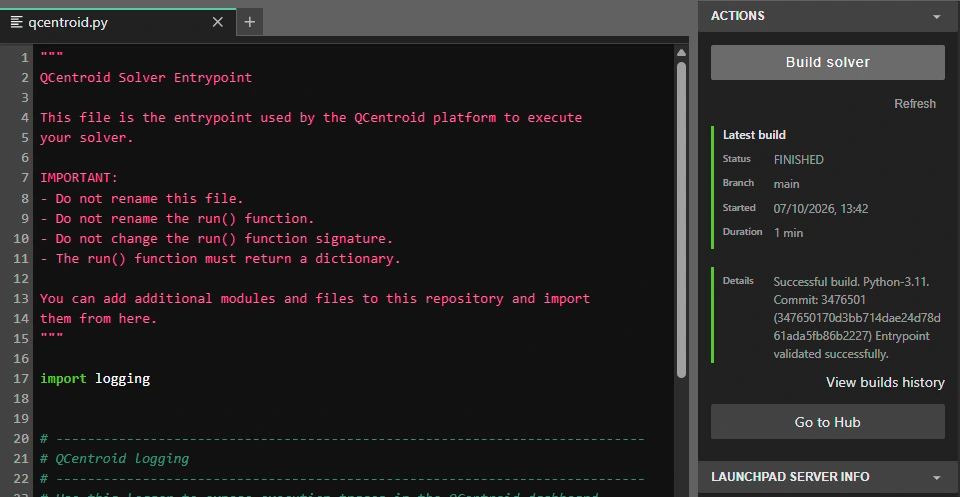
Take working notebook code into the platform as a solver, ready to benchmark and run.
- Prototype in the notebook
- Package as a platform solver
- Benchmark against alternatives
Why it mattersShorten the path from a promising prototype to comparable, repeatable results.
Launchpad
Open your quantum workspace
CPU, GPU and CUDA-Q, ready when you are.