
Solutions
Platform
Discover & Design
Build & Run
Benchmark & Optimize
- Benchmarking & Insights
- ExperimentsSoon
Operate & Scale
- DeploymentsSoon
- Application IntegrationsSoon
Govern & Control
Resources
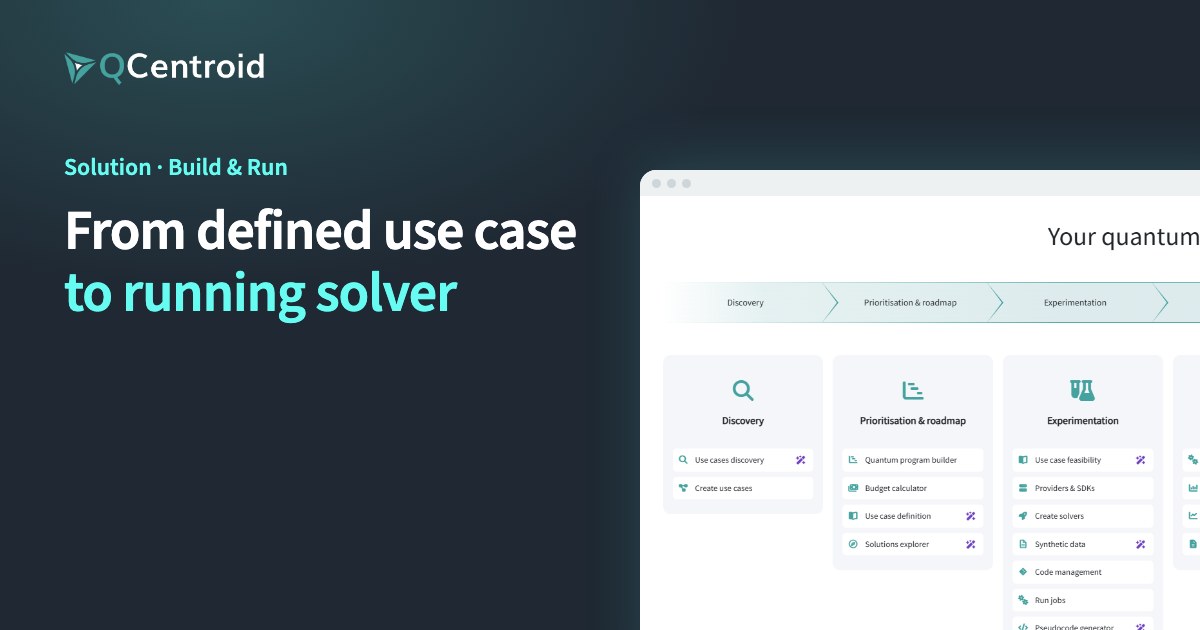
Solution · Build & Run
From defined use case to running solver
Bring your code, run it on the quantum, GPU or classical hardware that fits, and switch backends without rewriting it.
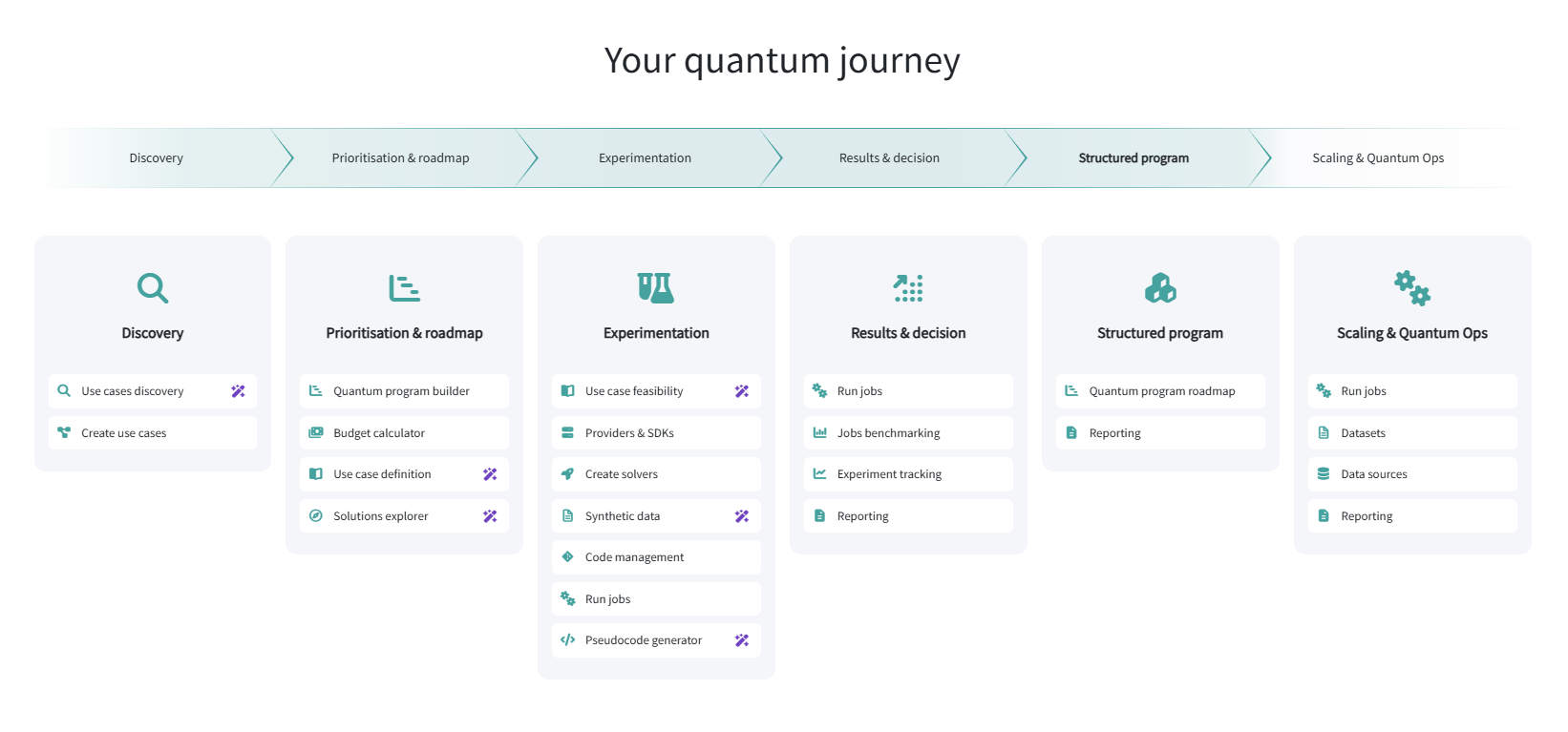
- Discovery
- Prioritisation & roadmap
- Experimentation
- Results & decision
- Structured program
- Scaling & Quantum Ops
Build & Run is the stage of the QCentroid QuantumOps platform where defined use cases become working solvers.
Developers prototype in cloud notebooks with GPUs, build solvers from their own Git repositories and run them on quantum hardware, simulators, NVIDIA GPUs or classical compute through one integration. The same code runs on any backend, so teams avoid vendor lock-in.









Products
Which tools are used in this stage?
Local prototypes→Solvers the whole team can run
Solver Workbench
Turn your code into a validated solver that the platform builds and runs.
- Solver Templates & Runtime: start from a provider template
- Repository-Connected Solvers: build straight from Git
- Build-Time Code Validation: errors caught before the run
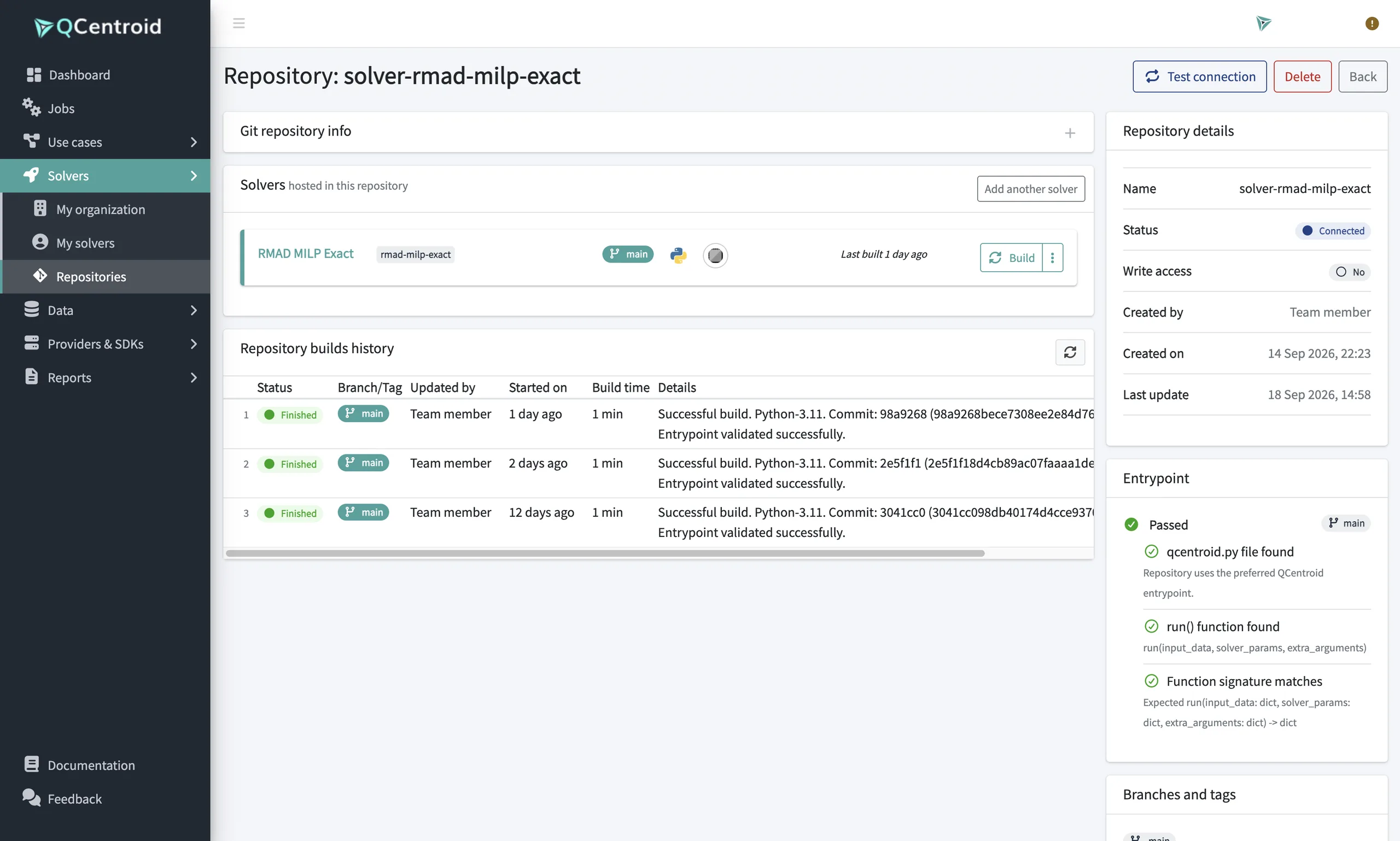
One vendor, one SDK→Any backend, same code
Compute Gateway
Run on quantum hardware, simulators, GPUs or classical compute through one integration.
- Multi-Provider Quantum Hardware Access: leading QPUs in one place
- GPU-Accelerated Execution: NVIDIA GPUs with CUDA-Q
- Provider Credential Management: secure access per provider
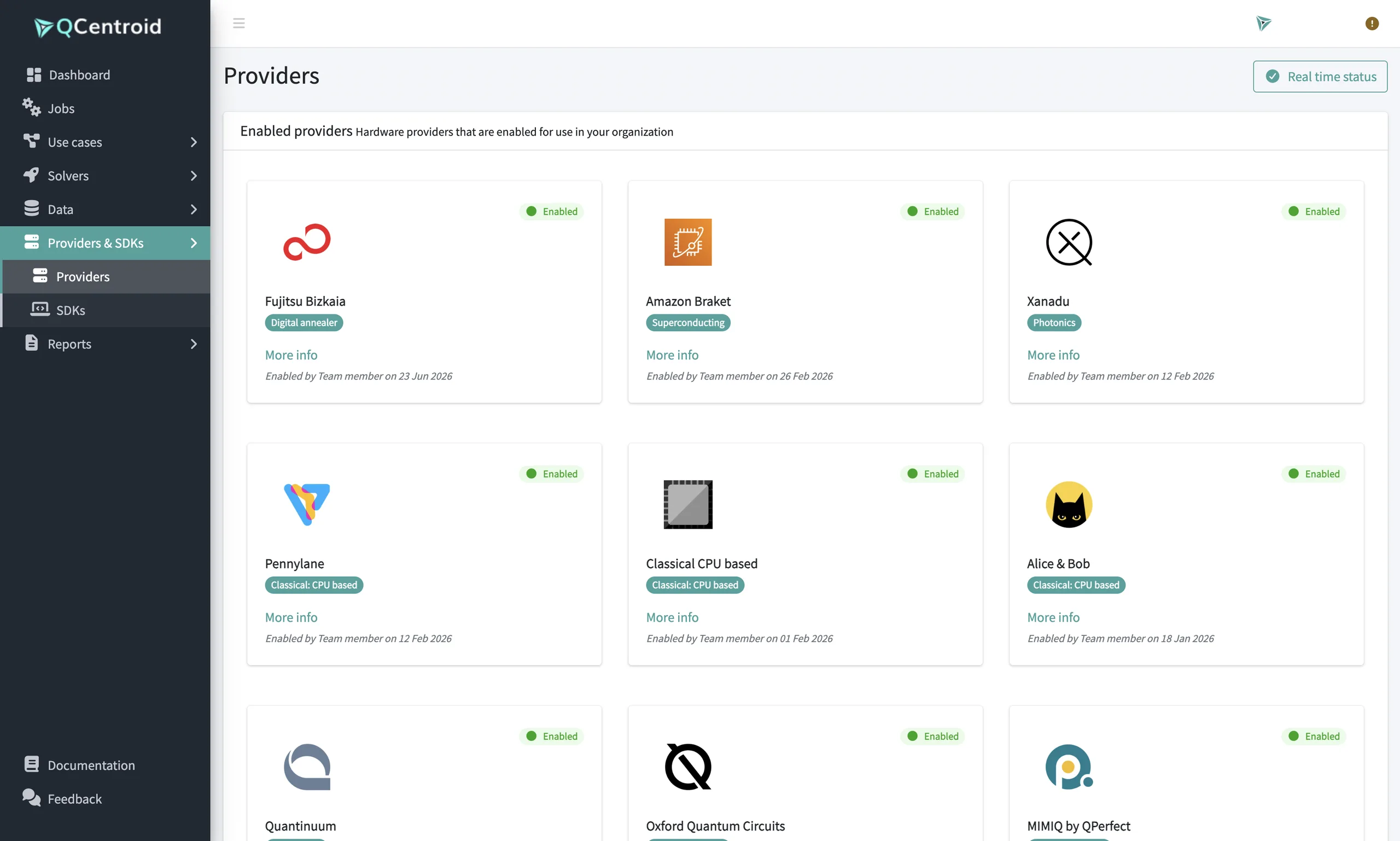
Setup and drivers→Coding in minutes
Launchpad
Prototype and test in a cloud notebook with CPU and GPU ready to go.
- Cloud Jupyter Workspace: nothing to install
- On-Demand CPU & NVIDIA GPU: right-sized compute
- Hybrid Development with CUDA-Q: simulate, then run on QPUs
How does it work?
-
01
Prototype
LaunchpadTest ideas in a notebook on CPU or GPU.
-
02
Build
Solver WorkbenchPackage your code as a solver from Git; the platform validates and builds it.
-
03
Run
Compute GatewayExecute on the backend that fits, from simulators to real QPUs.
What you walk away with
- Solvers built from your own code
- Runs on quantum, GPU and classical backends
- Provider credentials managed in one place
- Versioned, reproducible runtimes
AI layer in this stage
AI assistants help turn the problem formulation into a solver approach. Your developers write and own the code.
Build & Run
Your code, any backend, no plumbing
Build, validate and run solvers from one platform.